The wedding reception screen: what to show, moment by moment
A screen that is switched on is not the same as a screen that helps. What goes on it at each moment of a British or American wedding, what to avoid, and how to rig it. It works with any software — or with a plain slideshow.
Written by Jérémy Colonna, working event DJ. Updated 4 October 2026.
Meloverse DJ Studio runs the music and the room screen from the same running order. Mac and Windows.
Download for free — 2 events includedThe rule: the screen follows the day, like the music
The screen is the biggest light source in the room: eyes go to it even when it has nothing to say, and it sits in the background of every phone video. So it should do what the music does: stay quiet while people talk and eat, turn spectacular for the moments everyone films, come alive with the dancefloor. Three rules hold all day.
- Readable from the back table: few words, big letters, strong contrast. Once guests stand up, heads hide the bottom of the picture, so nothing important goes in the lowest quarter.
- Never brighter than the room: a white background in a dimmed room dazzles the nearest tables and flattens the uplighting. Dark, warm backgrounds work everywhere.
- No repeated full-screen flashes: no full-frame strobe, no white flash on every drop. The web accessibility guidelines (WCAG) set the limit at three flashes per second, because of photosensitive guests.
Moment by moment
The ceremony
If it takes place in the same room, the screen should disappear: names and date on a still or very slow image, low brightness, black during the vows. A moving screen steals attention from the registrar or celebrant. In England and Wales a civil ceremony cannot include religious content, so run anything you plan to show past the registrar first.
The drinks reception
Often outside, in daylight, during the group shots: the screen is pointless until guests come in. Then it welcomes them: the couple's names, a slow ambient visual, useful information. A table plan squeezed onto one slide is unreadable; split it by surname initial, ten seconds per slide. If guests can send photos by QR code, this is when the code goes up.
The grand entrance
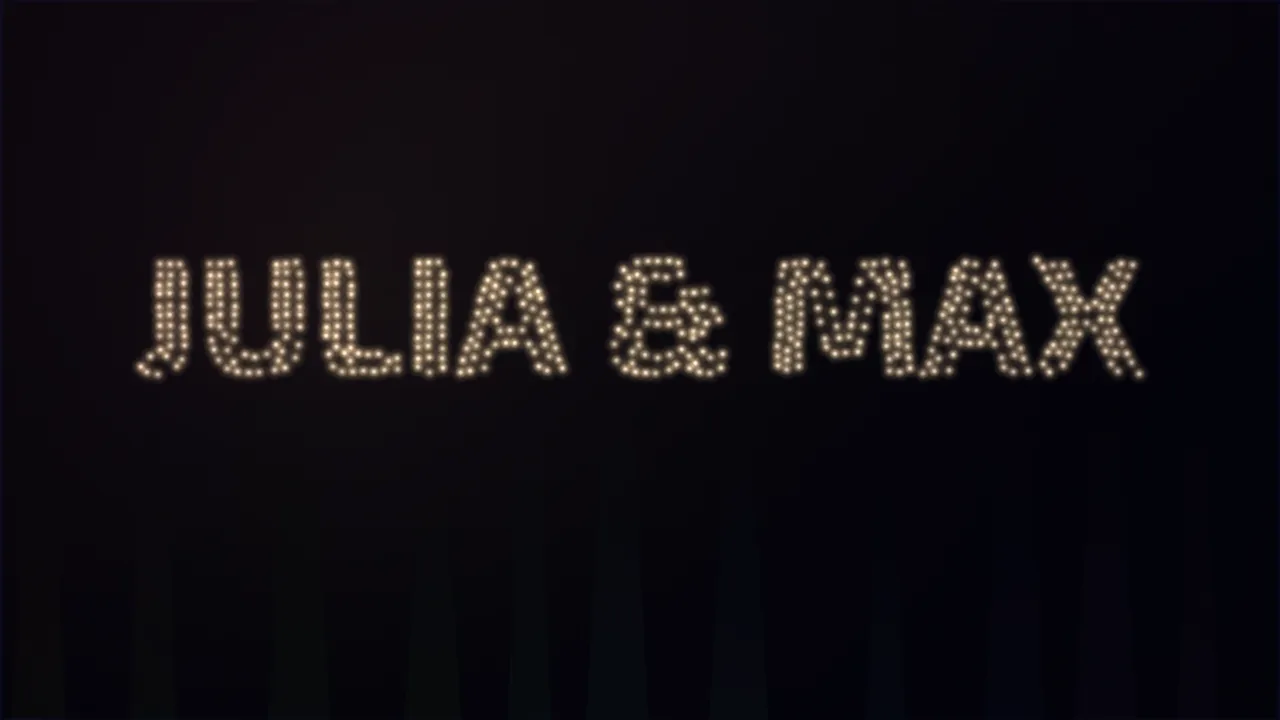
The toastmaster or MC announces the couple into the room: the curtain going up. Black just before, while everyone stands; the names as the music hits; a burst of light as they come through the door; something calm once they are seated. Three precautions:
- get the spelling and the order of the names signed off (“Emma & Liam” or “Liam & Emma” is their call, not yours);
- agree one single cue with the venue coordinator: “they're at the door”;
- no text at face height: every phone in the room is filming this.
The wedding breakfast and the speeches
Two hours at the table, and the most common mistake: a logo or the names frozen on black from start to finish. A still image says nothing after ten minutes. Better a slow, warm, low-brightness visual, plus a few planned moments:
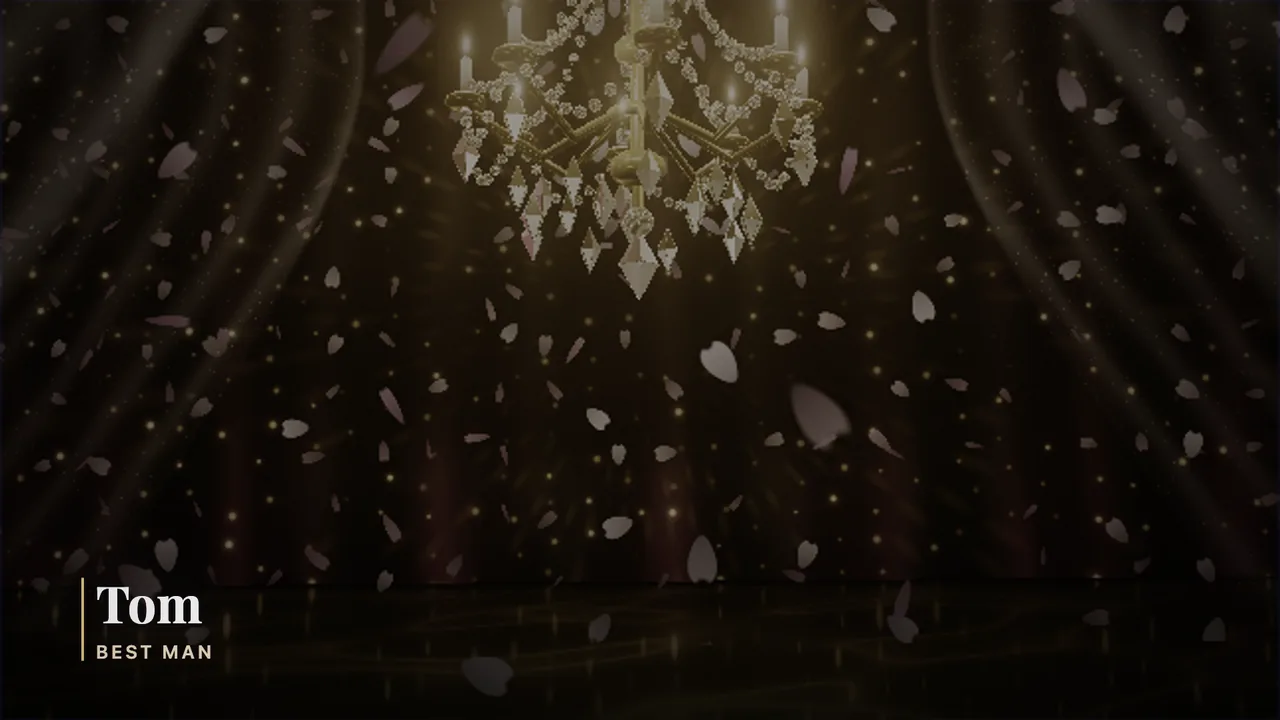
- the speeches: in Britain, traditionally the father of the bride, the groom, then the best man; in the US, toasts from the best man and the maid of honour. When someone takes the mic, the picture calms down, the music dips and a lower third says who is speaking. Check every name and role with the couple;
- “coming up”: the schedule before each highlight, so nobody misses the first dance while outside;
- the slideshow: between courses or before the evening guests arrive, never during a speech, five to eight minutes, once. If it has its own soundtrack, kill the background music. On a loop all night, it turns into wallpaper.
The evening guests
Many British weddings have a second wave of guests in the evening. The screen is their welcome: the couple's names, the time of the first dance or the cake if still to come, and the photo QR code again.
The first dance
The couple is the show; the screen supports it, it doesn't compete. Their names, warm colours, soft light, nothing blinking behind them, and the same gentle look for any parent dances that follow. Then, when you invite everyone onto the floor, switch the screen with the music: that change of picture says “your turn” better than the mic.
The dancefloor
The screen becomes part of the lighting: visuals that move with the tempo, colours that match the dancefloor lights, changes on the musical phrase (every 8 or 16 bars) rather than on every beat. Hardly any text. On a drop, a local burst of light, never a fully white screen.
Cake cutting and bouquet toss
Two short highlights. A countdown or a “3, 2, 1” gathers the room, then sparkles as the knife goes in. Think of the photographer: a very bright background puts the couple in silhouette. For the group photo, take the screen to black: a projector behind the guests blinds the lens.
The last dance and the send-off
The wall of the day's photos (the ones you approved, and only those), then “thank you” with the names, then black, especially before a sparkler send-off. Never your laptop desktop at midnight.
The setup, without nasty surprises
- Projector, TV or LED wall? In a dimmed room, aim for at least 3,000 ANSI lumens for an image two to three metres wide. In daylight (a conservatory, a June evening that stays light past 9 pm), a projector washes out: a big TV or an LED wall copes better.
- 16:9 at 1920 × 1080: prepare everything in that format; portrait photos will show with bars. Set the laptop output to the projector's native resolution.
- HDMI: a USB-C to HDMI adapter on a Mac, and a spare in the bag. Beyond about ten metres a passive HDMI cable gets unreliable: use an active or fibre cable, or an HDMI-over-Ethernet extender.
- Extended display, never mirroring: System Settings, Displays on a Mac; Windows key + P, then Extend, on a PC. Mirrored, the room sees your playlists, your cursor and your notifications. Turn on Do Not Disturb, turn off sleep, plug in the charger.
- Placement: visible from the tables, out of the walkways, the beam above head height. Line the projector up physically rather than with digital keystone, which costs sharpness. Tape the cables down.
- Paperwork: many UK venues ask suppliers for public liability insurance and PAT-tested equipment. Your projector and screen count.
- The test: at the time of the wedding if you can, from the furthest table.
The mistakes you see most
- The logo on black for the whole meal, or the slideshow looping all night.
- Mirroring: your desktop and notifications in front of a hundred guests.
- A misspelt name, two metres tall.
- A full-screen white flash on a drop.
- A screen brighter than the dancefloor.
- A video played over the background music: two soundtracks at once.
How Meloverse DJ Studio does it
Here the room screen runs from the same running order as the music.
- From the free version: the room screen over HDMI, with more than 60 visuals that react to the sound.
- With the video studio (Pro plan): one visual per moment, changing with the running order; three 3D wedding scenes; the grand entrance staged for you (blackout, light, names, golden rain, light drones); the “Cheers to the newlyweds” countdown; guests' photos as polaroids, sent by QR code and shown only if you approve them; “Schedule”, “Speech” and “Photo!” in one click.
- Safety: the drop burst never whites out the whole screen, and the strobe is not offered first during a wedding dinner.
The video studio comes with a 14-day trial on the subscriptions: see plans and pricing.

Free for two events, no card and no account. Mac and Windows.
Download for free — 2 events included
Also worth reading: the wedding running order, hour by hour · version française